
How to Plan a Hybrid Event: A Step-by-Step Guide
To plan a hybrid event, treat the online audience as a real audience from day one, set one clear goal, design two experiences, build the technology around both and rehearse everything end to end.
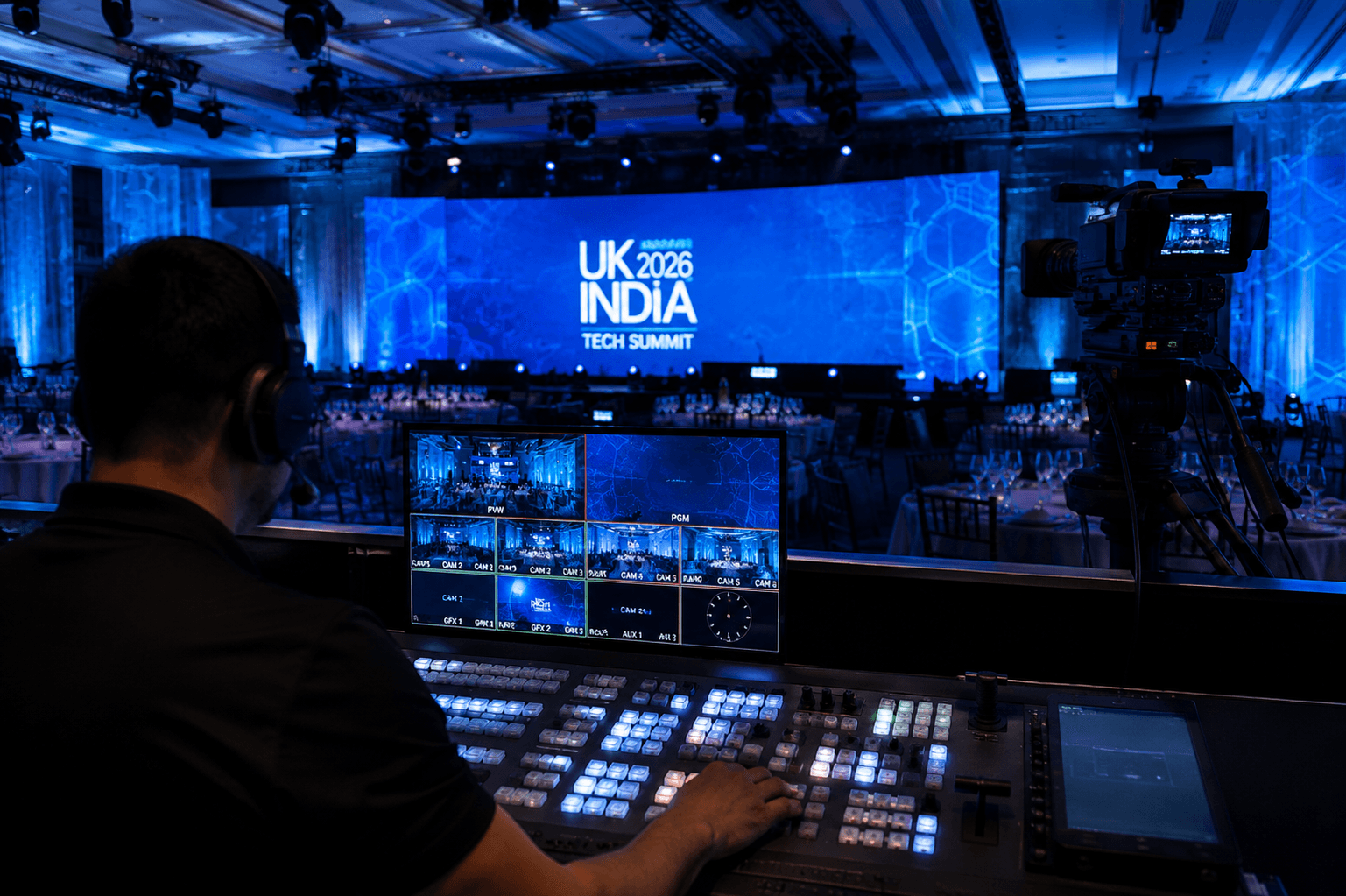 Kudos AV · Production insights
In this article
To plan a hybrid event, treat the online audience as a real audience from day one, set one clear goal, design two experiences, build the technology around both and rehearse everything end to end.
Hybrid events can lose their impact when the online experience is treated as an afterthought. WCAG 2.2 includes a Level AA requirement for captions on live audio content in synchronised media. While the legal requirements depend on the organisation and event context, planning captions early helps make the online experience more accessible. This guide shows you how to plan a hybrid event from first brief to final report.
Objective
This guide explains what to decide at each stage of a hybrid event and what to check before you go live, so you can brief your team and suppliers with confidence.
Key Takeaways
- A hybrid event serves an in-room and an online audience at once, so each needs its own experience.
- Start with the goal and audience split, then choose the venue, format and technology.
- Clear sound matters as much as sharp visuals.
- Accessibility, including live captions, is far easier to plan in than to add later.
- A full rehearsal that tests the online viewer’s experience can identify technical and programme issues before the event.
Table of Contents
- What Are Hybrid Events and When Do They Make Sense?
- How to Plan a Hybrid Event: Seven Steps
- What Does Each Audience Need?
- Common Mistakes When Planning Hybrid Events
- How to Choose a Hybrid Event Partner
- Ready to Plan Your Hybrid Event?
- FAQs
What Are Hybrid Events and When Do They Make Sense?
Hybrid events combine an in-person gathering with a live online experience so that people can join from the venue or from anywhere else. That is different from a basic livestream, where one camera records the room, and remote viewers simply watch. In a true hybrid, both audiences take part.
They make sense when your audience is spread across regions, venue capacity is limited, or you want content to reach people who cannot travel. If networking is important to you, decide on the format with remote participants in mind. Virtual networking gatherings, regulated introductions and designated online discussion spaces can be helpful, but do require some extra organisation.
How to Plan a Hybrid Event: Seven Steps
Planning a hybrid event involves more than arranging a venue and setting up a livestream. You need to coordinate the people, technology and programme so both audiences can follow the event and take part without feeling like one experience has been prioritised over the other. These seven steps will help you build that plan from the initial brief to the final review.
Step 1: Set Your Goal and Audience Split
Write one sentence on what the event must achieve. Then estimate how many people will be in the room versus online. A product launch might prioritise press online, while a team conference might prioritise the room. That split drives every later decision, from camera count to stage size.
Step 2: Choose a Venue That Suits Both Audiences
Check the available upload bandwidth, power supply, camera sightlines, suitable camera positions and space for a production control area. Ask the venue about a wired internet connection and arrange a site visit with your production team to check the setup before confirming the plan.
Step 3: Design Two Experiences, Not One
In-room guests want an atmosphere. Online guests want clarity and a reason to stay. Plan separate engagement for each: live polls, a moderated chat, a host who speaks for the online audience and shorter sessions for people at screens.
Step 4: Build the Technical Setup
Good hybrid event production joins several systems: cameras, microphones, vision mixing, room screens, a streaming encoder and a viewing platform. Plan suitable backups for critical equipment and streaming connections. Where possible, use an independent secondary internet connection, spare microphones and an agreed alternative streaming route. Online streams can have a delay, depending on the platform and delivery setup. Allow time for this while managing live Q&A so distant enquiries can get to the host without disrupting the discussion.
Step 5: Plan Accessibility Early
Live captions help deaf and hard-of-hearing viewers, and anyone watching without sound. WCAG 2.2 lists Captions (Live) at Level AA. Jisc explains that automatically generated captions may not meet accessibility requirements unless they are checked and confirmed to be fully accurate. For important sessions, consider professional live captioning or a process for reviewing caption accuracy. Share slides in advance and ask speakers to describe visuals.
Step 6: Rehearse the Whole Journey
Test as an online viewer, on an ordinary laptop and phone, not on the production machine. Run the full running order with speakers, including remote ones. Check that camera cuts, slides, audio levels and captions all arrive intact.
Step 7: Run, Record and Review
Appoint a producer who owns the live show and a moderator who looks after the chat. Then compare attendance, engagement and comments between the two audiences. Make sure you have the consent of the speakers to share the recording, inform attendees and follow any data protection considerations.
What Does Each Audience Need?
A hybrid event only works when both audiences are effectively served. The in-room guests want a comfortable and well-managed experience at the venue; the remote viewers require good audio, dependable visuals, and meaningful opportunities to contribute.
| Planning area | In-room audience | Online audience |
|---|---|---|
| Audio | Clear speech through the PA | A clean direct feed, not room echo |
| Visuals | Big screens and good sightlines | Multi-camera cuts and readable slides |
| Interaction | Networking and microphone Q&A | Chat, polls and a moderator |
| Accessibility | Step-free access and hearing support | Live captions and an accessible platform |
| Backup | Spare microphones and power | Second connection and backup stream |
Common Mistakes When Planning Hybrid Events
Even a well-planned event can run into problems when the online experience is overlooked. Watch out for these common mistakes:
- Trusting the venue Wi-Fi. Don’t assume it will cope. Check the upload speed well ahead of time, and have a backup connection ready, such as a wired line or a bonded 4G/5G unit.
- Forgetting about the audio feed. A room that sounds great doesn’t mean your online audience hears it properly. Give them a dedicated, clean feed taken straight from the mixing desk.
- Treating remote viewers as spectators. People watching online want to be part of the event. A moderator, live questions and a few interactive moments will keep them engaged.
- Leaving accessibility until the last minute. Sort out captions and accessible slides and materials early, so they’re built in from the start rather than bolted on.
- Skipping the full rehearsal. Run the whole programme from start to finish, including remote speakers, transitions and your fallback plans. That’s where problems tend to show up.
How to Choose a Hybrid Event Partner
Ask who will run the show on the day, whether the same crew handles cameras, audio and streaming, and what backup they carry. When choosing a live streaming company London organisers can rely on, ask to see examples of previous hybrid productions and request a clear explanation of the backup plan.
At Kudos AV, a dedicated Production Manager helps coordinate your event from the initial brief through to delivery. The in-house team manages live video production, streaming and technical operations, with equipment owned and operated by the company.
Ready to Plan Your Hybrid Event?
A successful hybrid event needs more than a camera and a streaming link. The venue, audio, video, presenters and online audience all need to work together.
Whether you are organising a conference, awards ceremony or product launch, an event production company in London that gets involved early can help coordinate both audience experiences before the production budget is finalised.
Kudos AV brings live video, streaming, audio and technical production together, with a dedicated Production Manager overseeing the process. Share your event date, venue and expected audience numbers to discuss the right setup for your event.
Your questions, answered
Frequently asked questions
01What is a hybrid event?
A hybrid event combines a live in-person audience with a live online audience, with both able to take part.
02How is a hybrid event different from a livestream?
A livestream broadcasts the room one way. A hybrid event designs interaction for remote attendees too, through chat, polls, moderation and remote speakers.
03When should you start planning a hybrid event?
As soon as you begin to think about the date and structure of the event, begin planning. By being involved in the production early, the team can examine potential venues, connections, camera locations and technological needs.
04What equipment do you need for a hybrid event?
Typically, cameras, microphones, a mixer, room screens, a streaming encoder, a reliable connection and backups. Exact needs depend on room size and audience.
05Do hybrid events need live captions?
WCAG 2.2 Success Criterion 1.2.4 requires captions for live audio content in synchronised media at Level AA. Regulations that apply will depend on the organisation and the circumstances of the event.
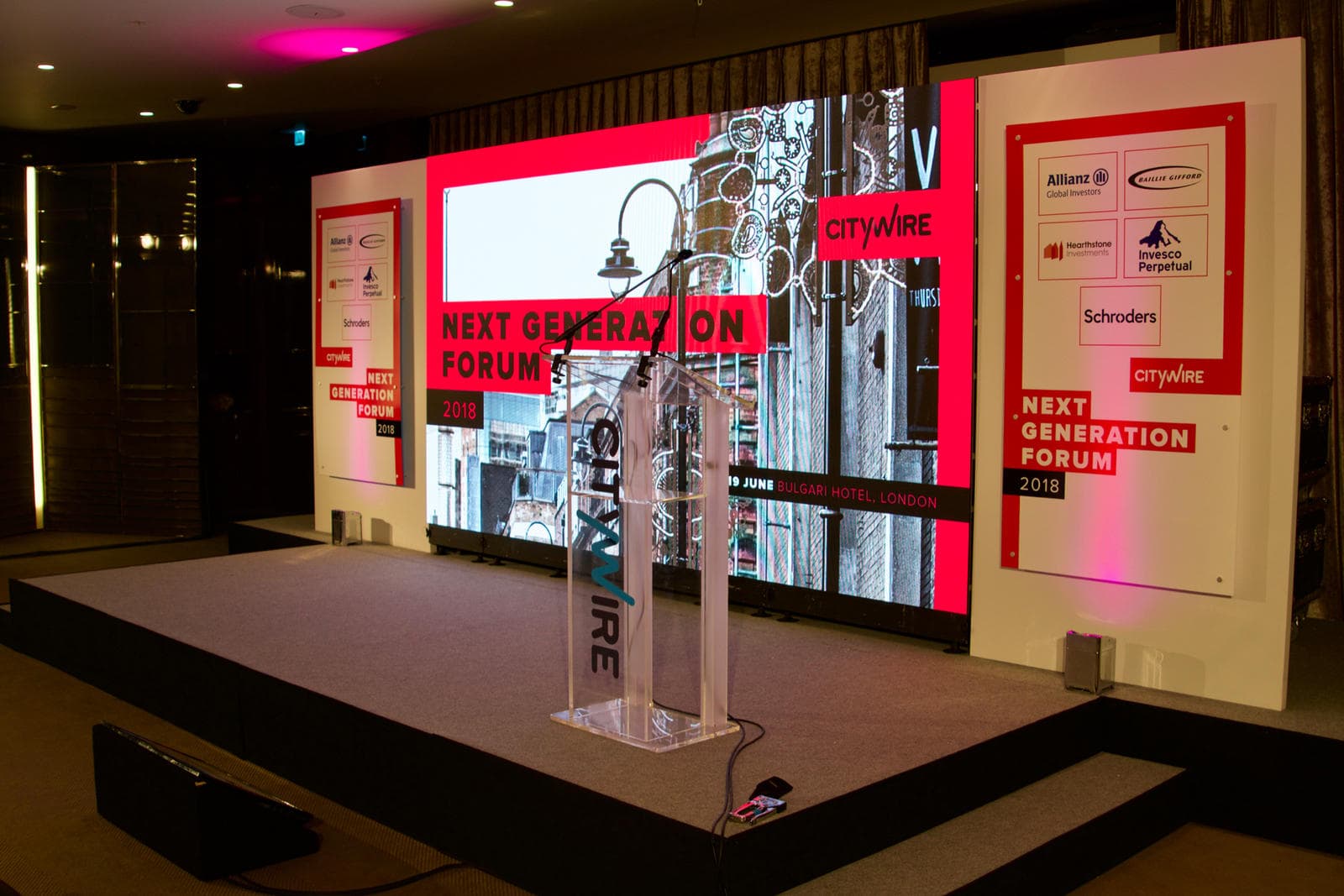 Insights & Guides
What Is Hybrid Event Production? How to Run a Live and Online Event Without Losing Either Audience
Hybrid production is more than pointing a camera at the stage. What it involves, how it differs from a livestream, the technology you need and how to keep the room and the online audience equally engaged.
Read the guide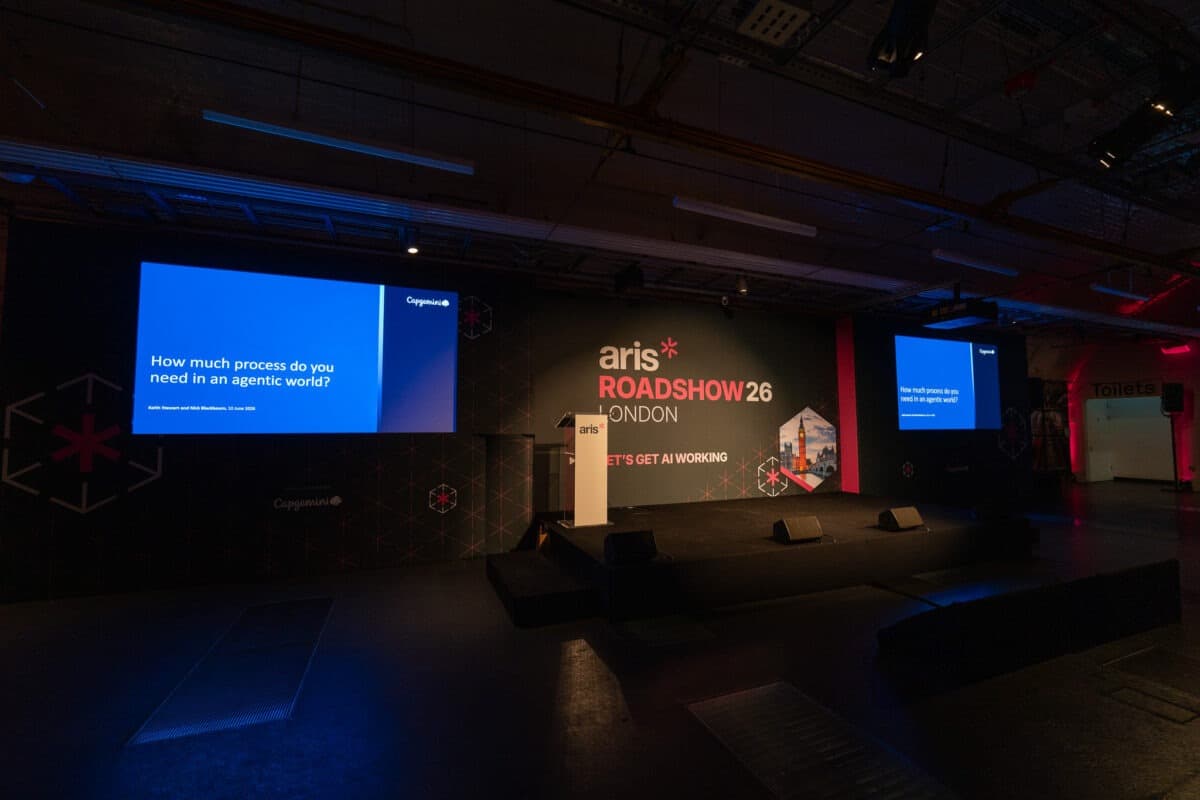 Insights & Guides
Complete Guide to Planning a Hybrid Event in 2026
A practical hybrid event planning guide: how to connect in-person and virtual audiences with the right technology, stage design, streaming and engagement, so everyone feels like they are in the front row.
Read the guide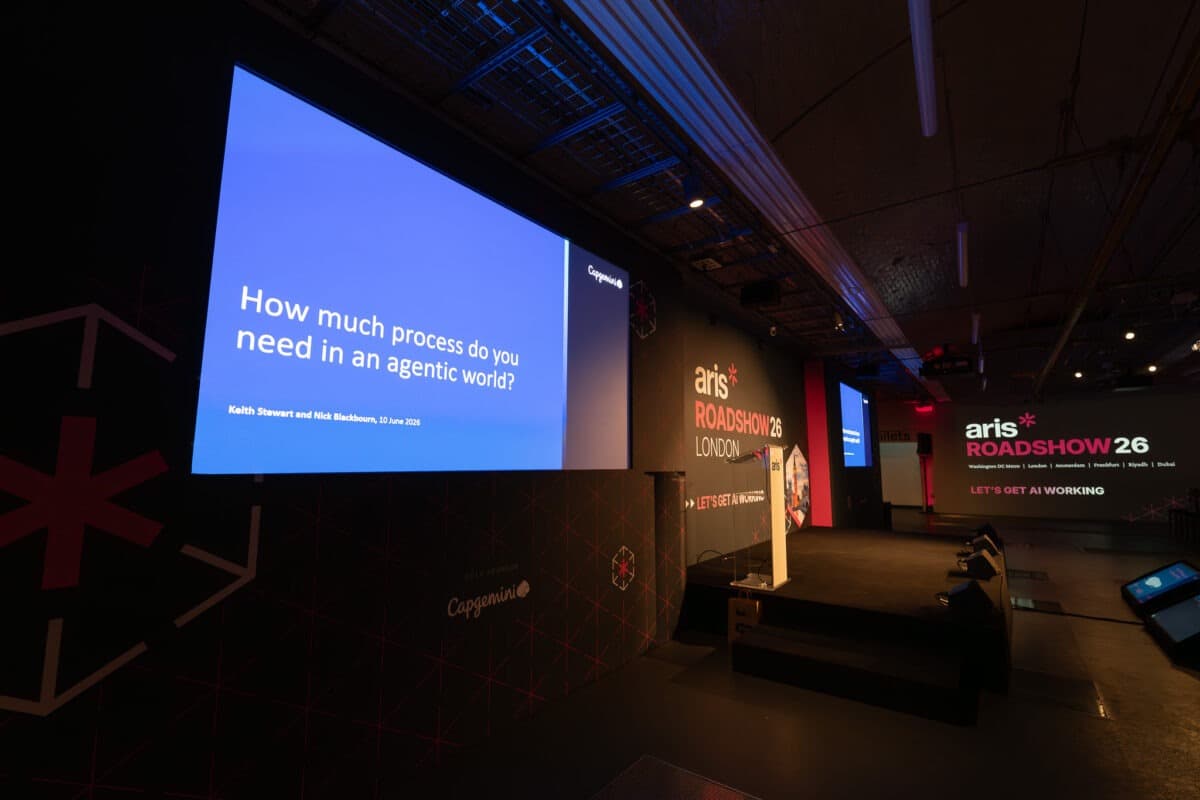 Insights & Guides
How to Prevent Technical Failures at Corporate Events: A Planner’s Reliability Checklist
Microphones die, screens go black and streams drop out, almost always because of something missed in planning rather than something wrong with the kit. Here is the checklist that stops it, with the numbers most guides leave out.
Read the guide