
Complete Guide to Planning a Hybrid Event in 2026
A practical hybrid event planning guide: how to connect in-person and virtual audiences with the right technology, stage design, streaming and engagement, so everyone feels like they are in the front row.
 Kudos AV · Production insights
In this article
Ever sat through a hybrid presentation where the online stream kept freezing, the audio echoed, and remote viewers felt like total ghosts? We have all been there, and it is the fastest way to lose an audience. A great hybrid event connects physical and online guests so smoothly that everyone feels like they are sitting in the front row. Bringing together a live crowd and virtual viewers takes the right mix of tech, stage layout, clear streaming, and real-time interaction.
If you want to deliver a flawless, high-impact event, Kudos AV provides hybrid event production with complete audio-visual setups, multi-camera live streaming, bespoke stage builds, and creative lighting design. Businesses looking for expert hybrid event production in London can rely on an experienced team to manage every production detail from initial planning through to live execution.
Recent event industry research shows that most attendees now rate engaging visual spaces and interactive setups as top priorities when joining a meeting. Using a clear hybrid event planning guide helps organisers plan every stage of a successful hybrid event, choose the right technology, and deliver an engaging experience for both in-person and virtual audiences.
Key takeaways
- Understand how to plan a hybrid event that works well for both onsite and online audiences.
- Learn the key technology, production and planning elements needed for a smooth event experience.
- Explore ways to keep virtual attendees involved throughout the event.
- Discover common hybrid event challenges and how organisers can prepare for them.
- Get useful tips for creating a well-organised and engaging event in 2026.
How does event design support a better hybrid experience?
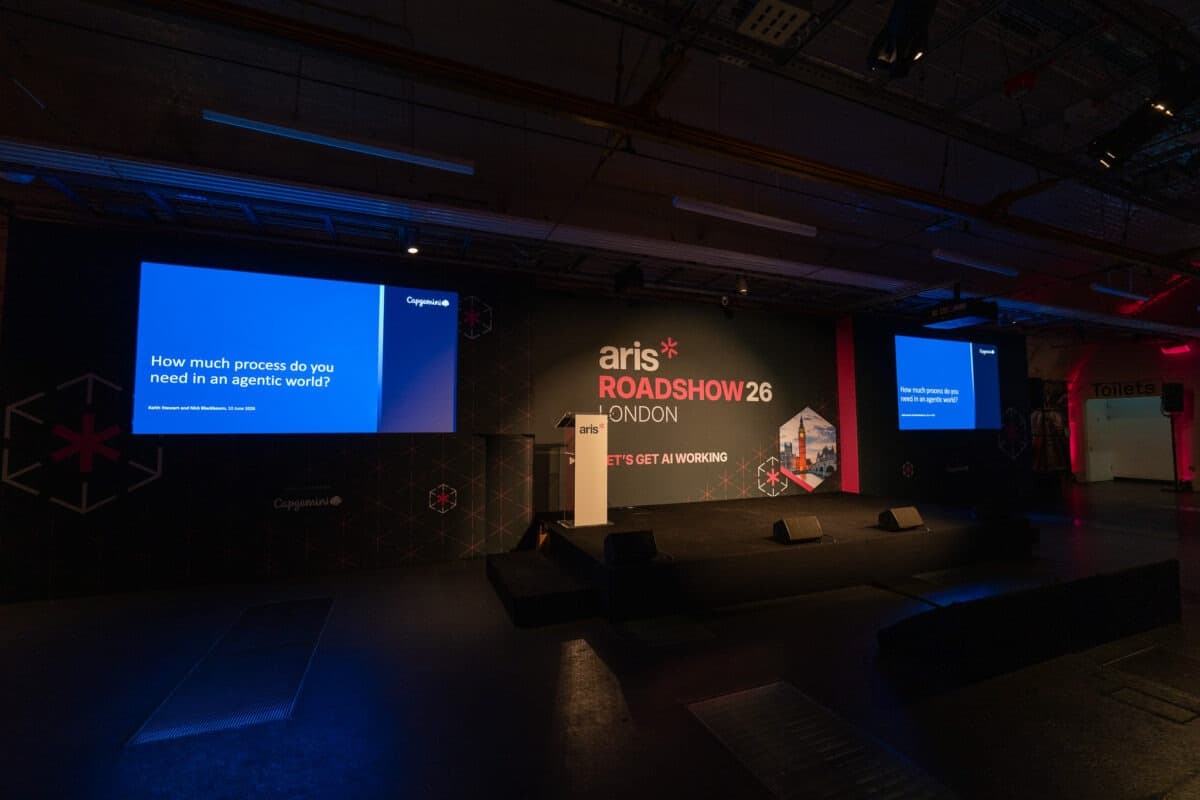
A successful hybrid event is not just a matter of streaming content online. The physical setting is a crucial part of a professional experience for attendees, speakers and web viewers alike. The stage setup, branding, display spaces and flow of the audience all help a hybrid event succeed.
When planning a large event, think about what the room will look like on camera as well as in person. Professional event design services, such as ExCeL exhibition stand design, create organised spaces for presentation, demonstration and audience interaction.
Branded backdrops, display areas, clear paths of movement and engaging visuals should all be integrated into one cohesive experience. A well-planned venue setup also helps the production team control cameras, lighting and technical equipment throughout the day.
Why is a hybrid event a great choice for businesses in 2026?
Hybrid events have become a popular choice for conferences, business meetings, product launches and training sessions because they let people participate from different locations.
A well-organised hybrid event gives remote attendees the same energy and information as the live audience, without the travel. That flexibility lets businesses cast the net far wider, and keep sharing event content during and long after the day itself.
Audience expectations have also shifted as digital channels have grown. People now expect clear visuals, quality audio and smooth interaction whether they are sitting in the venue or watching online.
How do you start planning a hybrid event?
Successful hybrid event planning starts with understanding your event objectives, audience expectations, production requirements and technology needs. Careful planning makes every element work together for both in-person and virtual attendees.
1. Define your event goals
Before you begin building the event, determine its purpose. Think about how many people it serves, the type of content being shared, who will be speaking, and the experience you want to create.
2. Select the right venue and technology
The venue should be able to serve both physical and virtual audiences. Internet connection, stage layout, camera positions, lighting and sound quality all shape how well the event is delivered.
3. Create content for both audiences
Presentations should work for people watching on screen as well as those in the room. Speakers need to engage both groups so every attendee stays involved throughout the session.
What hybrid event technology and equipment do you need?
A strong technical setup creates a smooth experience for everyone attending. This virtual and in-person event setup guide comes down to a core kit list:
- Professional cameras for high-quality live coverage.
- Clear microphones and professional audio systems.
- Event lighting for speakers and stage visibility.
- Presentation and content-sharing playback.
- Reliable live streaming technology and platform.
- LED screens or displays so the room sees remote contributors clearly.
- High-speed internet with backup connectivity.
Organisers should also build rehearsals into the schedule before the event begins. Testing each component early surfaces problems while there is still time to fix them.
What are the best practices for hybrid event planning?
The best practices for hybrid meetings all come back to planning around the audience.
Create equal experiences
Virtual attendees should feel included, not forgotten. Live questions, polls, chat and interactive sessions give the online audience a real seat at the event, and a dedicated event platform or app helps keep communication in one place.
Support speakers before the event
Speakers need to be familiar with the format, timing and technology before going live. Rehearsals let them practise presenting to the room and the camera at the same time, which is a genuine skill.
Prepare a backup plan
Technology sometimes misbehaves. Extra crew, backup equipment and pre-tested contingency plans keep disruptions short and invisible to the audience.
Hybrid event checklist for event organisers
A simple hybrid event checklist keeps the team organised in the run-up to the day:
- Planning: goals, audience, venue, speakers.
- Technology: cameras, audio, lighting, streaming, internet and backups.
- Event day: rehearsals, technical support on site, audience engagement running from the first minute.
A well-prepared hybrid event checklist lets organisers review every production, technology and audience engagement task before guests arrive.
What do professional event production teams offer?
Hybrid events bring several production disciplines together at once. When experienced teams handle the sound, visuals, staging and streaming, organisers are free to focus on the audience experience.
Kudos AV delivers full event production for conferences, exhibitions and corporate events, bringing every technical element together into one seamless show.
Need Professional Hybrid Event Production?
Create a seamless hybrid event with the right mix of staging, live streaming, lighting, sound and video production. Kudos AV helps businesses deliver engaging hybrid experiences that connect in-person and virtual audiences from planning through to live delivery.
Plan Your Hybrid EventConclusion
Successful hybrid event planning brings together the right strategy, technology, production and audience engagement to create a seamless experience for both in-person and virtual attendees.
A well-planned hybrid event lets organisers reach more people while creating an experience that feels connected and interactive. From choosing the right setup to managing live production and audience communication, every detail plays a part in the final outcome. With expertise in sound, lighting, staging, video production and live streaming, Kudos AV helps businesses create professional hybrid events that support their goals and deliver memorable experiences.
Your questions, answered
Frequently asked questions
01What is a hybrid event?
A hybrid event combines an in-person and a digital experience, where participants can attend at the venue or join virtually through a live stream.
02How do you run a successful hybrid event?
A successful hybrid event needs the right planning, quality production equipment, speaker preparation and audience interaction, plus technical testing before you go live.
03What technology is necessary for a hybrid event?
Most hybrid events call for cameras, microphones, lighting, presentation playback, a streaming platform and a stable internet connection with backup.
04What are some tips for engaging your audience at a hybrid event?
Live chat, polls, Q&A and interactive content invite participation from both the room and the online audience.
05What are the tips and tricks for planning a hybrid event?
Define clear objectives, choose the right venue and technology, prepare speakers, test equipment in advance, and work with an experienced hybrid event production team so both onsite and virtual attendees get a smooth experience.
Hybrid-ready productions
 Insights & Guides
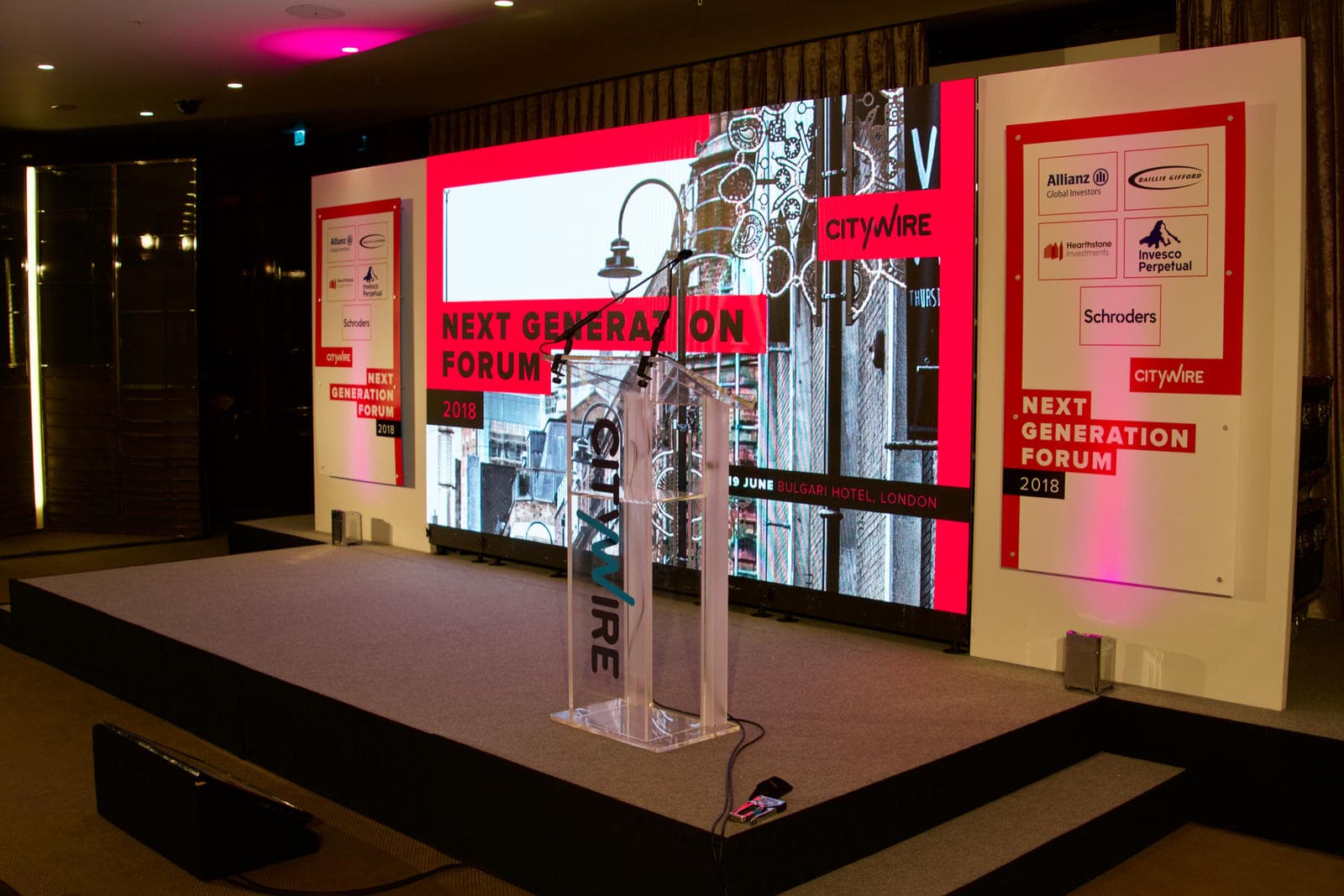
What Is Hybrid Event Production? How to Run a Live and Online Event Without Losing Either Audience
Hybrid production is more than pointing a camera at the stage. What it involves, how it differs from a livestream, the technology you need and how to keep the room and the online audience equally engaged.
Read the guide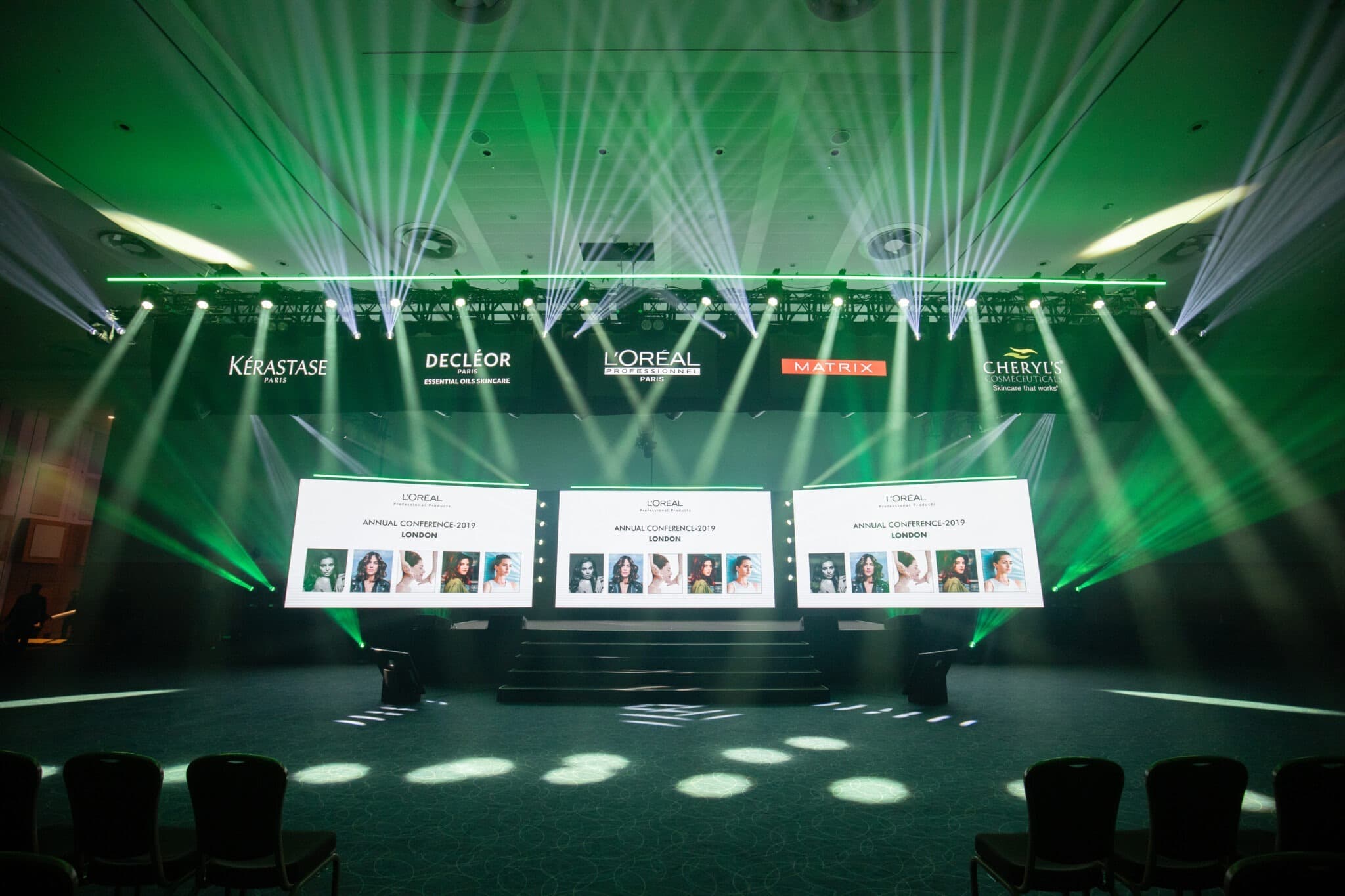 Insights & Guides
Top Event Production Trends in the UK (2026 Edition)
From LED walls and immersive design to AI-assisted planning and sustainable staging, the event production trends UK organisers are using in 2026 to create experiences audiences remember.
Read the guide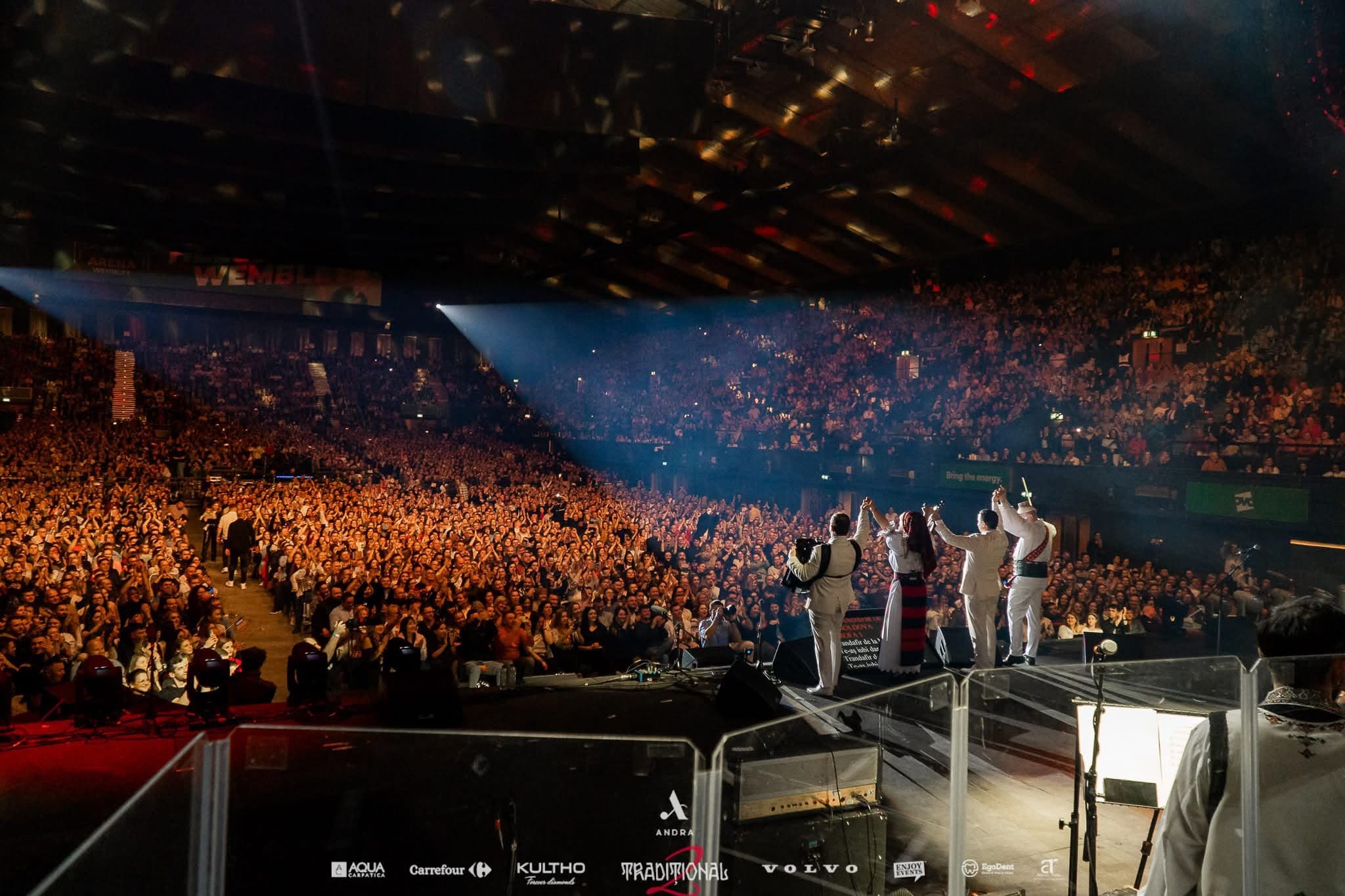 Insights & Guides
How Audio Quality Impacts Audience Engagement in Live Events
How clear speech, balanced sound and reliable audio help audiences follow your message and stay engaged throughout a live event.
Read the guide